 Bestseller
Computer Class – Class 7
The Computer Class for Class 7 students is designed to improve basic computer knowledge and develop practical digital skills 🧠✨. This class helps students understand how computers are used for learning, creativity, and everyday tasks.
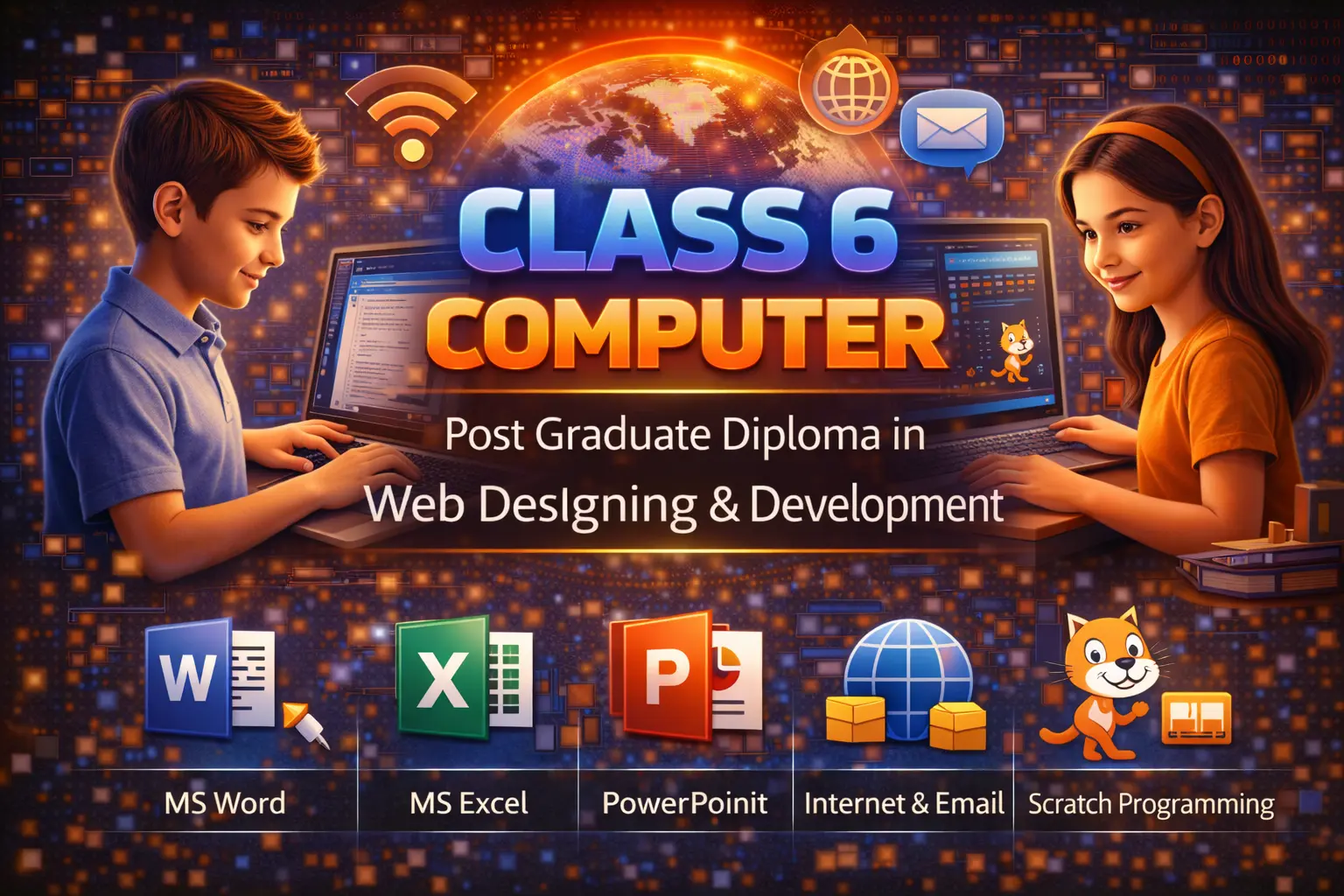
In this course, students learn about computer hardware and software 🖥️, operating system basics, keyboard and typing skills ⌨️, MS Word (documents), MS Excel (basic tables & calculations) 📊, MS PowerPoint (simple presentations) 📽️, and internet basics 🌐. Learning is mainly practical so students can apply their skills confidently.
The class also focuses on safe and responsible use of computers 👍. By the end of the course, students will be able to prepare school projects, create documents and presentations, and use computers smartly and safely 😊. A certificate is provided after successful completion 🏆.
💻 Computer Class – Class 7 Syllabus
🔹 Module 1: Computer Basics
Introduction to Computer
Parts of Computer (Monitor, CPU, Keyboard, Mouse)
Hardware & Software
Input and Output Devices
Uses of Computer
🔹 Module 2: Operating System (Windows)
Introduction to Windows
Desktop, Icons, Taskbar
Start Menu
File and Folder Management
Paint Basics
🔹 Module 3: MS Word
Introduction to MS Word
Typing Practice
Editing Text
Font Formatting (Bold, Italic, Underline)
Paragraph Formatting
Insert Picture
Simple Project Work
🔹 Module 4: MS Excel (Basics)
Introduction to MS Excel
Rows and Columns
Data Entry
Basic Formulas (Sum)
Simple Table Creation
🔹 Module 5: MS PowerPoint
Introduction to PowerPoint
Creating Slides
Adding Text and Pictures
Slide Show
Simple Presentation
🔹 Module 6: Internet Basics
Introduction to Internet
Web Browser
Search Information
Online Safety Rules
🔹 Module 7: Introduction to Coding
Algorithm (Basic Idea)
Flowchart (Basic Shapes)
Introduction to Scratch
📝 Practical Work
Typing Practice
MS Word Project
Simple Excel Sheet
Small Presentation
Copyright © 2026 DITRP INDIA. All Rights Reserved