 Bestseller
💻 Computer Class – Class 6
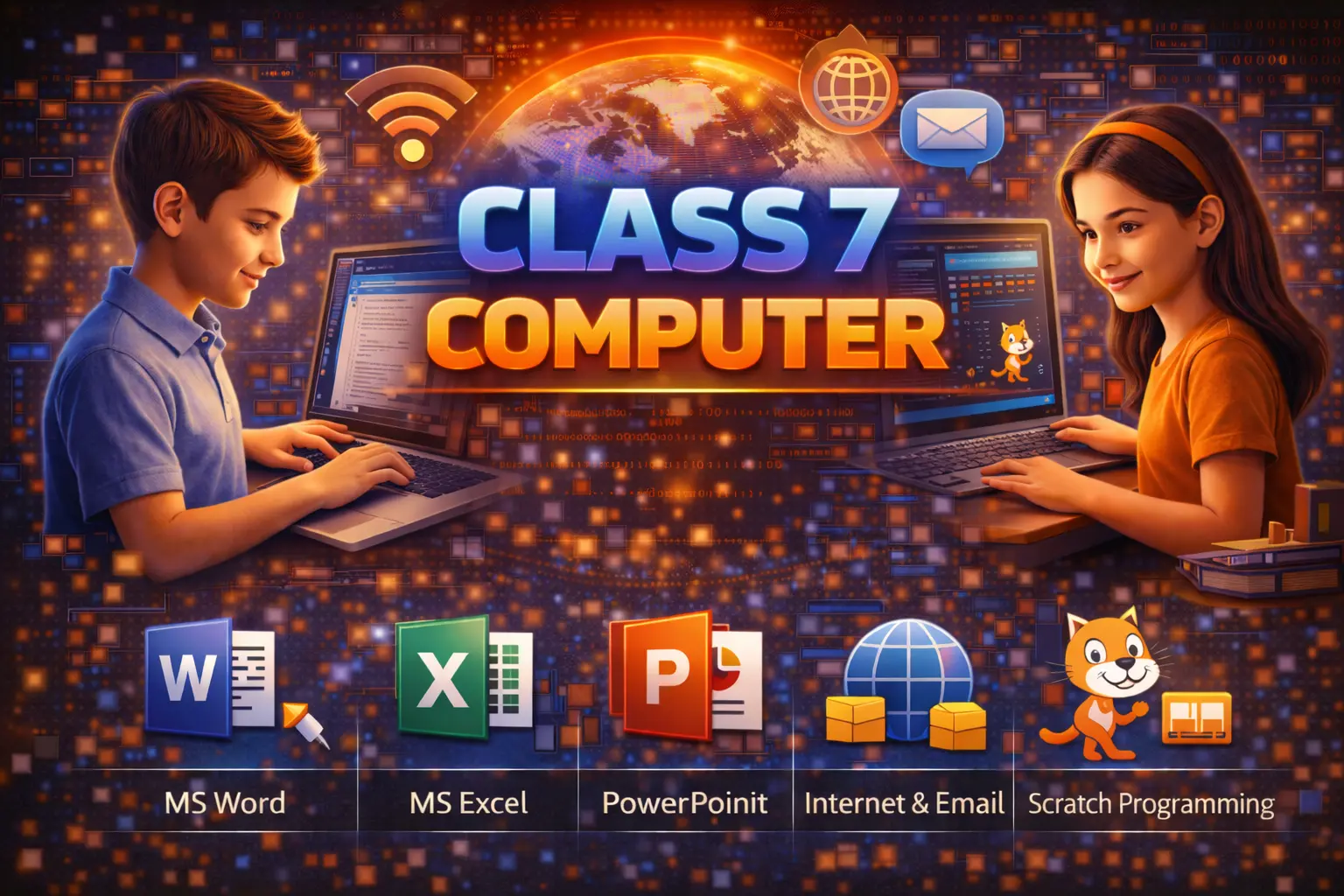
The Computer Class for Class 6 students is designed to introduce basic computer knowledge in a simple and interesting way 🧠✨. This class helps students understand how computers work and how they are used in daily life and school activities.
In this course, students learn basic parts of a computer 🖥️, keyboard and mouse usage ⌨️🖱️, MS Paint 🎨, MS Word (basic) 📄, simple typing skills, and basic internet knowledge 🌐. The focus is on practical learning so students can use computers confidently.
This class also teaches safe and responsible use of computers 👍. By the end of the course, students will be able to do school projects, draw pictures, type simple documents, and understand basic computer concepts easily 😊. A certificate is given after successful completion 🏆.
💻 Computer Class – Class 6 Syllabus
🔹 Module 1: Introduction to Computer
• What is a Computer?
• Uses of Computer in Daily Life
• Parts of Computer (Monitor, CPU, Keyboard, Mouse)
• Input and Output Devices
• Types of Computers (Basic Idea)
🔹 Module 2: Computer Hardware & Software
• Introduction to Hardware
• Introduction to Software
• System Software and Application Software
• Examples of Different Software
🔹 Module 3: Operating System (Windows Basics)
• Introduction to Windows
• Desktop and Icons
• Start Menu
• Opening and Closing Programs
• Basic File and Folder Concepts
🔹 Module 4: MS Paint
• Introduction to MS Paint
• Drawing Tools
• Coloring Techniques
• Save and Open Files
• Simple Drawing Project
🔹 Module 5: MS Word (Basics)
• Introduction to MS Word
• Typing Practice
• Editing Text
• Basic Formatting (Bold, Italic, Underline)
• Insert Pictures
• Save and Print Documents
🔹 Module 6: Internet Awareness
• Introduction to Internet
• Uses of Internet
• Web Browser (Basic Idea)
• Online Safety Rules
📝 Practical Work
• Regular Typing Practice
• Paint Drawing Activities
• Simple MS Word Project
• Computer Quiz & Assessment
Copyright © 2026 DITRP INDIA. All Rights Reserved