 Bestseller
💻 90 Days MS Office Course – Description
90 Days MS Office Course ek short-term, practical aur job-oriented computer training program hai jo students ko Microsoft Office applications ka complete aur hands-on knowledge deta hai 📊✨. Yeh course un learners ke liye perfect hai jo office work, data handling, documentation aur presentation skills develop karna chahte hain.
Is course me students MS Word 📝, MS Excel 📈 aur MS PowerPoint 📽️ ko step-by-step practical tarike se seekhte hain. MS Word me document creation, formatting, resume aur letter typing sikhaya jata hai. MS Excel me data entry, formulas (SUM, IF, etc.), charts aur basic reporting par focus hota hai. MS PowerPoint me professional presentations banana aur design techniques sikhayi jati hain.
Saath hi students file management 📂, printing, PDF export, internet basics 🌐 aur email usage 📧 bhi seekhte hain, jisse wo real office environment me confidently kaam kar saken.
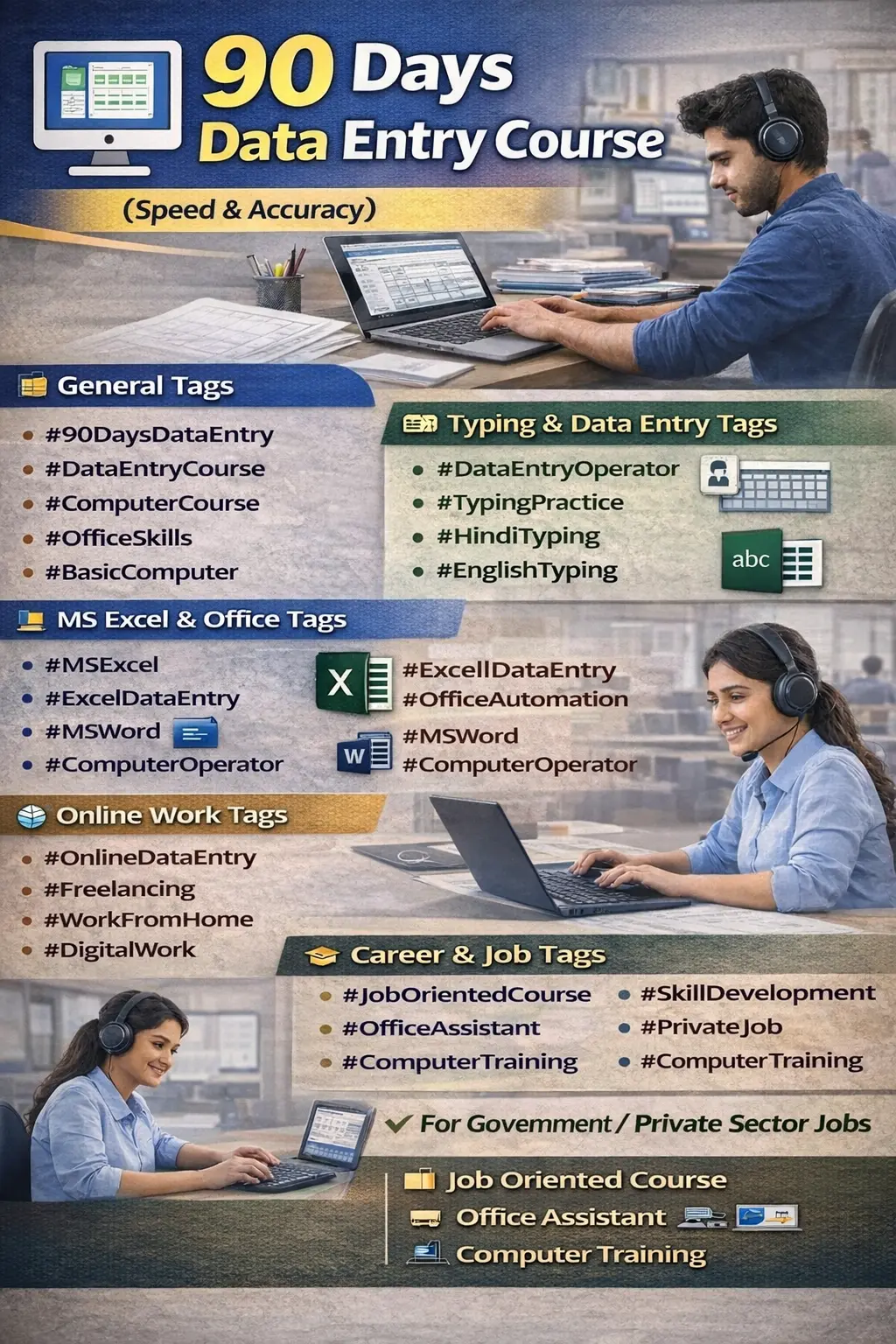
Yeh course students, job seekers, housewives aur working professionals ke liye bahut upyogi hai 🚀. Course complete hone ke baad learners Computer Operator, Office Assistant, Data Entry Operator jaise roles ke liye ready ho jate hain 💼.
💻 90 Days MS Office Course – Syllabus
This 90 Days MS Office Course is designed to provide practical knowledge of Microsoft Office applications required for office work, academic tasks, and professional documentation. The course focuses on hands-on training, real-time practice, and project-based learning.
🔹 Month 1: MS Word (Day 1–30)
• Introduction to MS Word
• Word Interface & Ribbon
• Document Creation & Editing
• Font & Paragraph Formatting
• Page Setup & Margins
• Bullets & Numbering
• Tables & Images
• Header, Footer & Page Number
• Mail Merge
• Resume & Letter Preparation
• Printing Documents
🔹 Month 2: MS Excel (Day 31–60)
• Introduction to MS Excel
• Workbook & Worksheet
• Rows, Columns & Cells
• Data Entry & Formatting
• Basic Formulas (SUM, AVERAGE, COUNT, IF)
• Percentage & Basic Calculations
• Sorting & Filtering
• Conditional Formatting
• Charts & Graphs
• Simple Reports Preparation
• Data Validation
🔹 Month 3: MS PowerPoint & Office Practice (Day 61–90)
MS PowerPoint
• Introduction to PowerPoint
• Slide Creation & Layout
• Design & Themes
• Insert Text, Images & Shapes
• Animation & Transition Effects
• Slide Show Settings
• Presentation Preparation
Office Practice
• File Management
• Printing & Scanning
• PDF Conversion (Word/Excel to PDF)
• Basic Internet & Email Use
• Final Project Work
📝 Practical & Assessment
• MS Word Practical Test
• MS Excel Practical Test
• PowerPoint Presentation
• Final Project Submission
• Viva / Final Assessment
🎓 Course Outcome
• Professional Document Preparation
• Efficient Data Management in Excel
• Confident Presentation Skills
• Office Work Readiness
Copyright © 2026 DITRP INDIA. All Rights Reserved